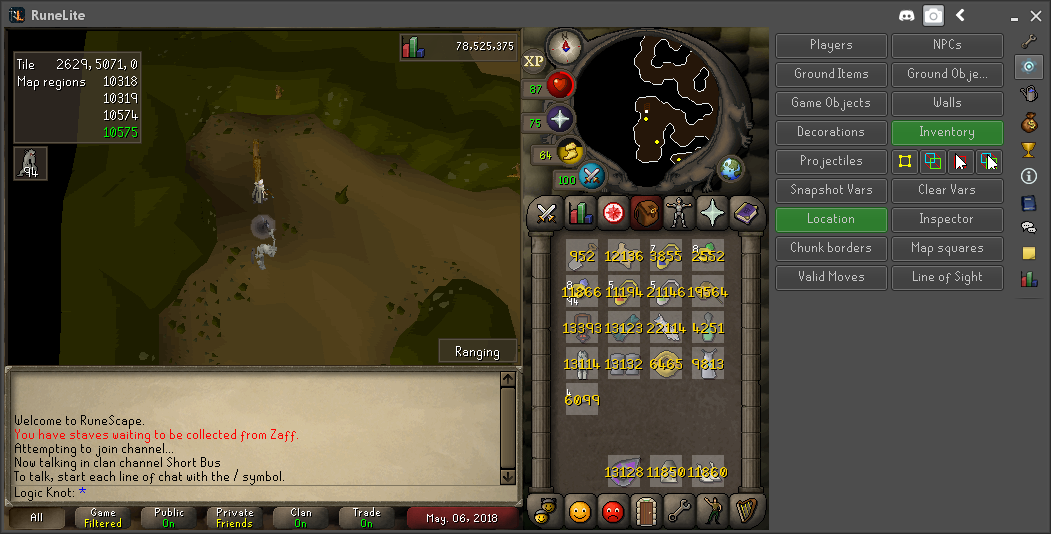
The hot-cold clue scroll plugin is an extension of the existing clue scroll plugins. When a hot-cold clue is opened, instructions for obtaining the strange device will be displayed. Once the user attempts to use the strange device, the panel component will switch to showing names of world areas and how many possible final locations are in each world area. Once the user checks in a different spot, the list of world areas and number of possible final locations will be updated to reflect the temperature obtained from the strange device. From the second check onward the warmer/colder result of the strange device will also be considered (same temperature is not considered at this time because I couldn't figure out a good way to implement it, but the process is still quick without it).

Once the number of possible final dig spots is reduced to 10, the panel component will switch to showing the descriptions of the remaining dig spots. The user can continue testing locations to further narrow the number of remaining spots. The remaining spots will have a blue ground highlight, showing approximately where the final 9x9 dig spot area will be. When the user receives a message that their device is shaking, a dig icon will be placed on that square signaling that a valid final dig location has been found.

The logic behind the hot-cold plugin is based on the precise range of squares that a player is away from the final location when checking the temperature of the strange device (measured in Chebyshev or Chess-board distance). All calculations are based off of the world map coordinate system, and strange device checks can be done anywhere on the world map. The centers of the final locations were manually approximated by comparing wiki location pictures to a coordinate map. So some final locations may be slightly off-center, but since the final areas are 9x9 this leaves room in the calculations for any slightly off-centered points.
- Properly use/not use paddings
- Remove title property and extract it to separate component
- Remove position property, let user handle the positioning
- Extract common constants to ComponentConstants
- Use lombok.Setter on classes instead of fields

Signed-off-by: Tomas Slusny <slusnucky@gmail.com>
- Name the player indicators options properly
- Extend the clan ranks icon setting to support also overhead names

Signed-off-by: Tomas Slusny <slusnucky@gmail.com>
- Move all PanelComponents declarations to be persisted
- Use new LineComponent and ImageComponent classes and add them to
PanelComponent

Signed-off-by: Tomas Slusny <slusnucky@gmail.com>
- Remove ImagePanelComponent
- Add LayoutableRenderableEntity that is RenderableEntity with preferred
size
- Add support to PanelComponent for rendering list of
LayoutableRenderableEntity
- Add support for aligning PanelComponent horizontally or vertically
- Add ImageComponent to be used in PanelComponent
- Make other components support new design

Signed-off-by: Tomas Slusny <slusnucky@gmail.com>
Previously exceptions would be printed to stderr, and not show in log files.

This also adds a case for AbstractMethodError because it almost always means the injector needs to be re-ran.
 Adam
Adam